01pyRevit MCP Setup
04pyRevit MCP Setup
Your AI, inside Revit.
One file that walks any AI assistant through connecting Claude, Cursor or Codex to Revit.
Other downloadsClaude · ChatGPT · Cursor · Codex · Available · Free
02Highlights
What’s inside.
One file that walks any AI assistant through connecting Claude, Cursor or Codex to Revit.
The pyRevit MCP Server lets an AI client read and change an open Revit model: list levels, colour walls by type, summarise warnings, run Python in Revit. Setting it up means seven steps across pyRevit, the Routes server, uv and your AI client’s config file — easy to get wrong, hard to debug. This skill is a guide written for the AI itself: give it the file and it does the setup with you, asking first, one verified step at a time, with the exact command for everything.
Who it is for
BIM users who want to talk to Revit from Claude, ChatGPT, Cursor or Codex and do not want to become MCP experts first — and BIM managers rolling it out to a team.
How it works
- Download the guide and give it to your AI assistant: “Follow this file and help me set up the pyRevit MCP server.”
- Answer its five intake questions; it skips what you already have.
- Do each step as it is given — install, Routes, localhost, test, uv, client config — and confirm the check before the next.
- Finish with a first prompt in Revit and a short report of what was set up.
The guide keeps the Routes server on localhost only, never overwrites a config file, asks for no passwords, and reminds you to test model-changing tools on a copy.
01
One file, any assistant
Works with Claude, ChatGPT, Codex, Cursor or Copilot — hand it over and say “follow this file”.
02
Asks before it acts
Five intake questions first (Revit year, AI client, pyRevit version, what is done, company restrictions), then one step at a time.
03
Exact commands
Every step names the exact file, the exact text and the PowerShell command — and how to verify it before moving on.
04
Seven steps
pyRevit, the MCP extension, the Routes server, localhost only, the Revit-side test, uv and the client config, first contact.
05
Safe by default
Localhost only, configs merged never overwritten, no passwords, and a warning before tools that change the model.
06
Built-in troubleshooting
A symptom → cause → fix table for the usual failures: 401 pairing, uv not found, no tools in the client, connection refused.
07
Finishes with a report
Revit year, pyRevit version, extension path, port, client and the prompt that worked.
03Get pyRevit MCP Setup
Option 1 · Recommended
Get pyRevit MCP Setup with the installer.
The Archqube installer adds pyRevit MCP Setup and every other tool you are licensed for, picks the right build for your Revit version and keeps everything up to date.
- Every Archqube tool
- One-click updates
- Signed installers
Archqube installer
Download installer- Revit
- Windows, 2022 or later
- pyRevit
- 6.4.0 recommended (a Routes bug is reported in 6.5.3)
- AI client
- Claude Desktop, Claude Code, Codex, Cursor or any MCP-capable app
- Also
- uv (installed in step 6) and a model open in Revit
Option 2 · Standalone
Just pyRevit MCP Setup? Download it standalone.
These downloads add pyRevit MCP Setup on its own. Come back here for new versions, or install the Archqube installer later and it will keep pyRevit MCP Setup updated.
Release
pyRevit MCP Setup
Claude · ChatGPT · Cursor · Codex · Free
Help
Stuck? Ask us.
Questions, bugs or feature ideas go straight to the people who build the tool.
04The family
More from the family.
All products-
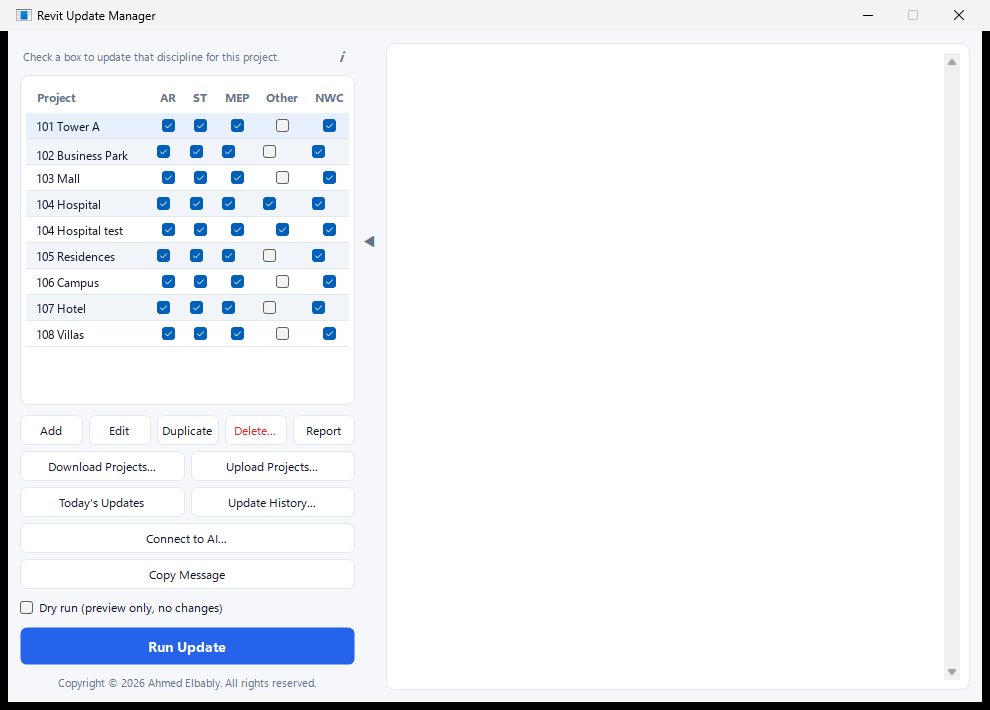

Revit Update Manager
Collects every model delivery, archives it and puts it where the team works.
AvailableWindows 1011Explore Revit Update Manager -
AR Plan Generator
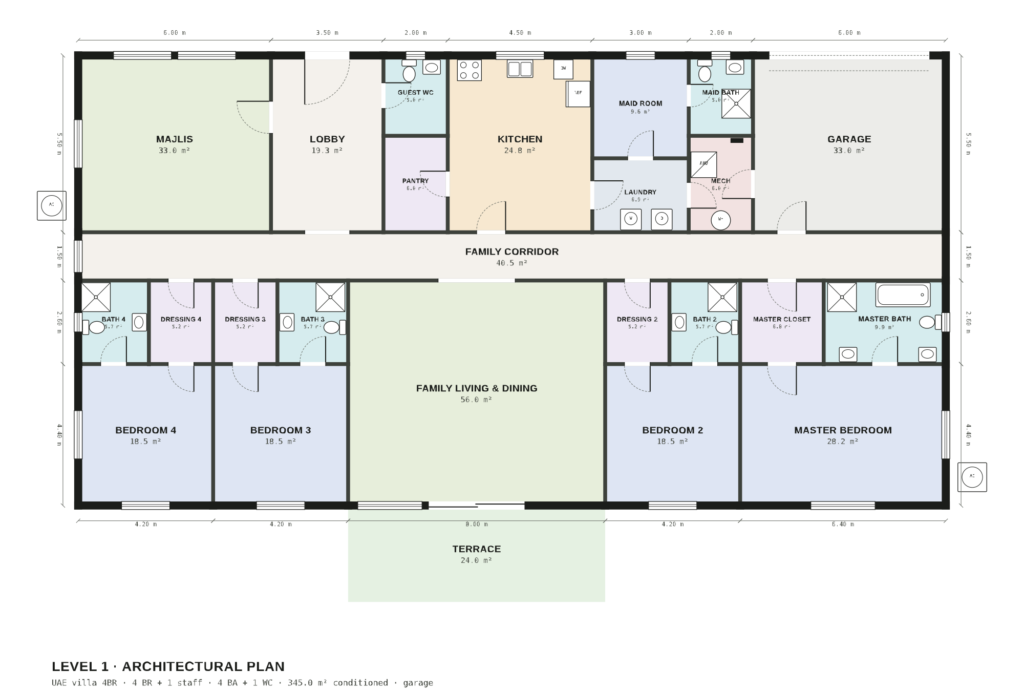
Brief in, floor plan out — 2D plan, 3D model, DXF and IFC, checked for MEP.
BetaWebClaude pluginExplore AR Plan Generator -
BIM Viewer
Open any IFC model in the browser — inspect, measure, section and share, nothing to install.
AvailableWebExplore BIM Viewer
Claude · ChatGPT · Cursor · Codex · Available
Help shape pyRevit MCP Setup.
Report bugs, request features and get early builds of pyRevit MCP Setup from the team that writes it.