01BIM Viewer
03BIM Viewer
Any IFC model, in the browser.
Open any IFC model in the browser — inspect, measure, section and share, nothing to install.
Other downloadsWeb · Available · Free
02Highlights
What’s inside.
Open any IFC model in the browser — inspect, measure, section and share, nothing to install.
Not everyone on a project has Revit or Navisworks. BIM Viewer opens the IFC export of any model in a normal browser tab: drop the file in, orbit the model, click an element to read its properties, hide what is in the way, measure, cut a section and save the views you need for the next meeting.
Who it is for
Clients, site teams, consultants and anyone who needs to look inside a model without a BIM licence — and BIM teams who want a quick check of an IFC before it goes into coordination.
How it works
- Open the page and drop an .ifc file on it, or press Upload IFC. Several models can be loaded together.
- Use the panels on the left: Properties, Visibility, Selection, Measure, Find Element by ID, Camera, Section, Saved Views and Grids.
- Press Screenshot to save a picture of the current view.
The page opens with a sample model, so you can try every tool before loading your own.
01
Drag in an IFC
Drop an .ifc file anywhere on the page, or load several models side by side.
02
Click to inspect
Select any element in 3D and read its properties; find one by the Element ID from Revit or Navisworks.
03
Show only what matters
Isolate or hide by category or by selection, and reset in one click.
04
Measure
Double-click to place dimensions, pick the units and precision, keep them on screen.
05
Cut through
Horizontal and vertical section planes, keep above or below, right or left, front or back.
06
Camera modes
Perspective or orthographic; orbit, first-person or plan navigation; fit to model.
07
Saved views and grids
Frame a view and save it by name; level grids in your own sizes and colours.
08
Share a picture
A one-click screenshot of the current view.
09
Nothing to install
Runs in any modern browser — no plug-in, no account.
03Get BIM Viewer
Option 1 · Recommended
Get BIM Viewer with the installer.
The Archqube installer adds BIM Viewer and every other tool you are licensed for, picks the right build for your Revit version and keeps everything up to date.
- Every Archqube tool
- One-click updates
- Signed installers
Archqube installer
Download installer- Browser
- Chrome, Edge, Firefox or Safari (latest), with WebGL
- Files
- IFC (.ifc) exported from Revit, Navisworks, ArchiCAD, Tekla and others
- Screen
- Laptop or larger recommended
Option 2 · Standalone
Just BIM Viewer? Download it standalone.
These downloads add BIM Viewer on its own. Come back here for new versions, or install the Archqube installer later and it will keep BIM Viewer updated.
-
Open BIM Viewer
Download
Release
BIM Viewer
Web · Free
Help
Stuck? Ask us.
Questions, bugs or feature ideas go straight to the people who build the tool.
04The family
More from the family.
All products-
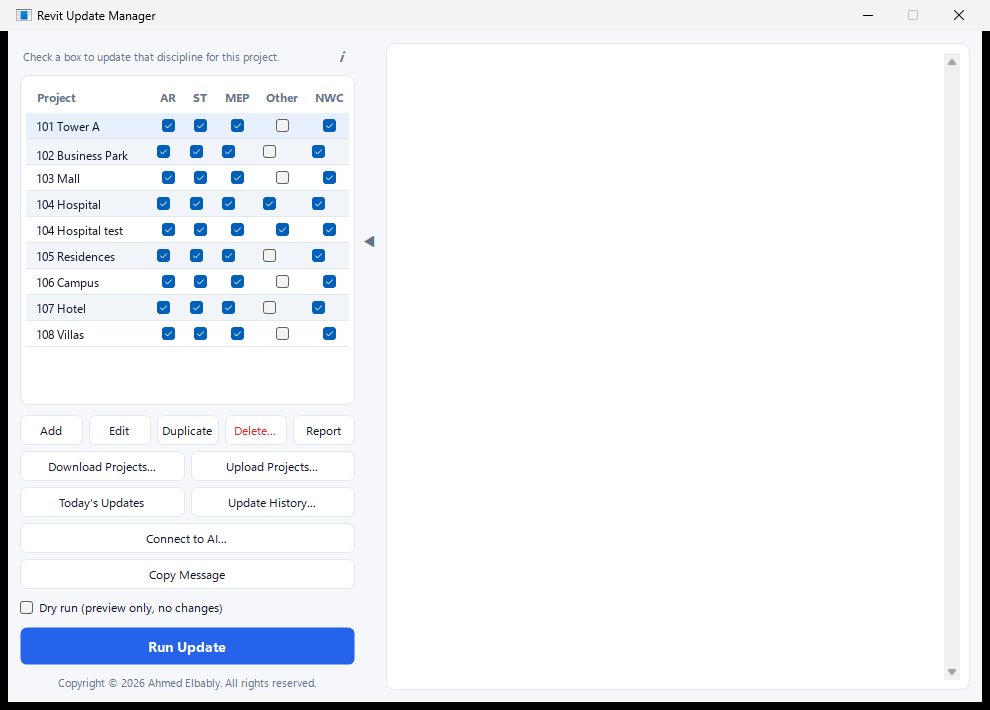

Revit Update Manager
Collects every model delivery, archives it and puts it where the team works.
AvailableWindows 1011Explore Revit Update Manager -
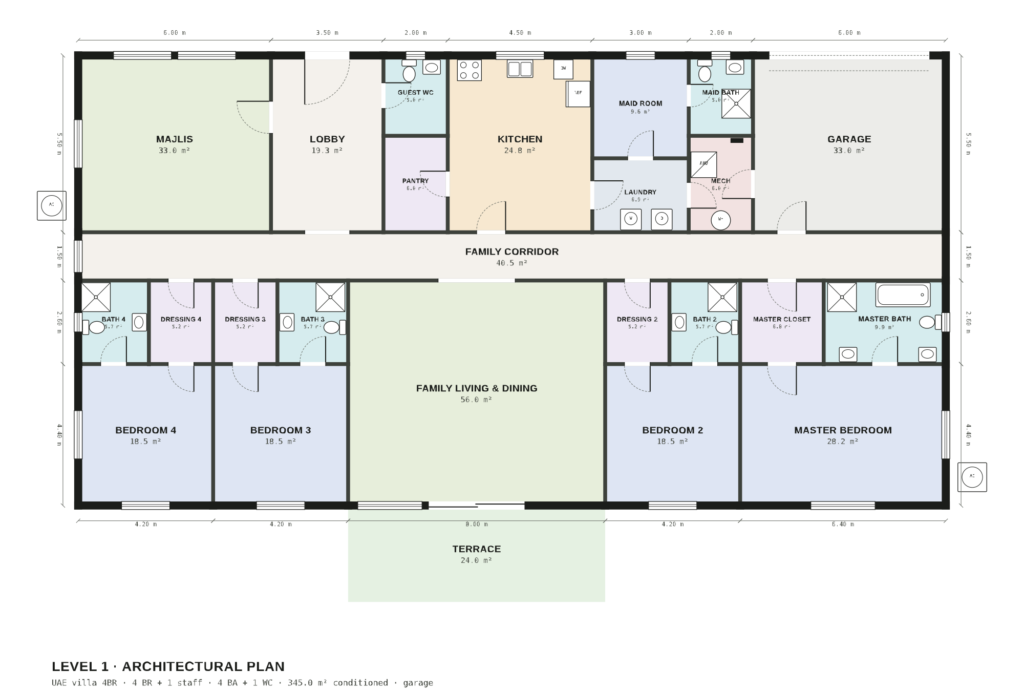
AR Plan Generator
Brief in, floor plan out — 2D plan, 3D model, DXF and IFC, checked for MEP.
BetaWebClaude pluginExplore AR Plan Generator -
pyRevit MCP Setup
One file that walks any AI assistant through connecting Claude, Cursor or Codex to Revit.
AvailableClaudeChatGPTCursorCodexExplore pyRevit MCP Setup
Web · Available
Help shape BIM Viewer.
Report bugs, request features and get early builds of BIM Viewer from the team that writes it.