Skip to content

01Download

Revit · Navisworks · Windows · Web

Download Archqube.

One installer adds every Archqube tool to Revit and Navisworks. Number sheets, export models and check your standards without leaving the model.

14-day free trial · v1.0.0

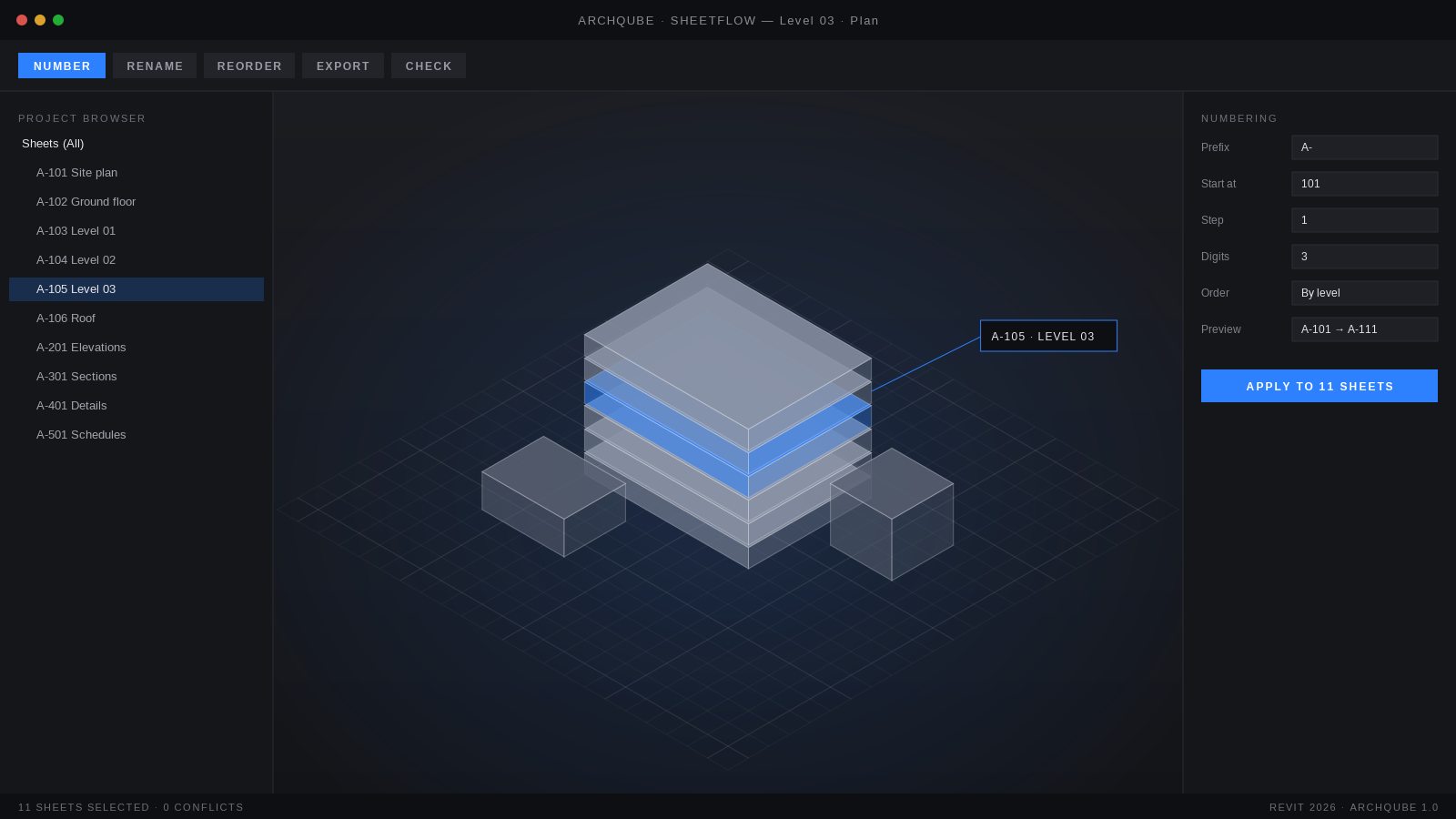
Viewport — SheetFlow in Revit

Desktop add-in

Viewport — SheetFlow in Revit

02Platforms

Windows add-ins · Web apps · AI skills

PlatformYour system

01

Windows

  • Windows 10 or 11 (64-bit)
  • Autodesk Revit 2022–2026
  • 8 GB RAM recommended
Download for Windows
More downloads (3)
  • Navisworks add-ins (2023+)Clash and export tools for Navisworks Manage.
  • Dynamo packageNodes for Dynamo 2.x and 3.x.
  • Offline installer (.msi)For IT teams and silent installs.

PlatformYour system

02

Web apps

  • Any modern browser
  • Nothing to install
  • Works on tablets too

PlatformYour system

03

AI skills

  • Claude desktop or web
  • A Claude Pro, Team or Enterprise plan
  • Your own BIM standards (optional)

03Quick start

Minutes, not hours

  1. Step 1

    Download

    Grab the installer for your platform.

  2. Step 2

    Install & open Revit

    The Archqube tab appears in the ribbon.

  3. Step 3

    Start working

    Number a sheet set or export a model in one click.